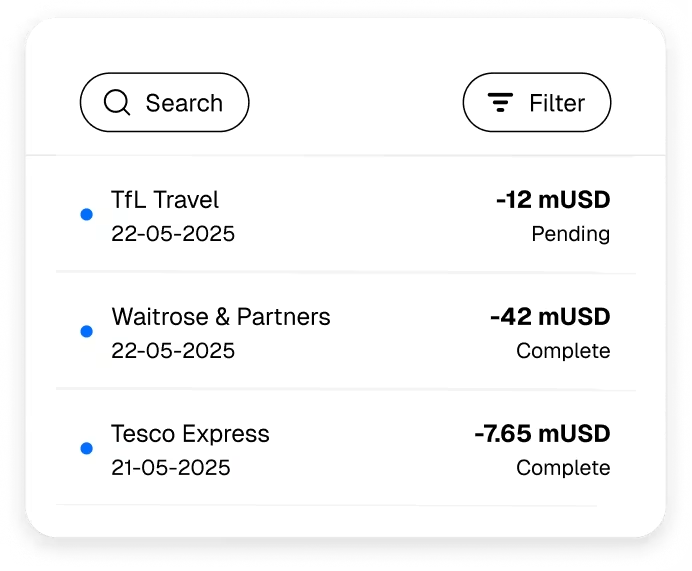
Seamless spending
Tap to pay with mUSD, wETH, EURe, GBPe, USDC, and USDT via Apple Pay or Google Pay.

SPEND CRYPTO FOR EVERYDAY PURCHASES
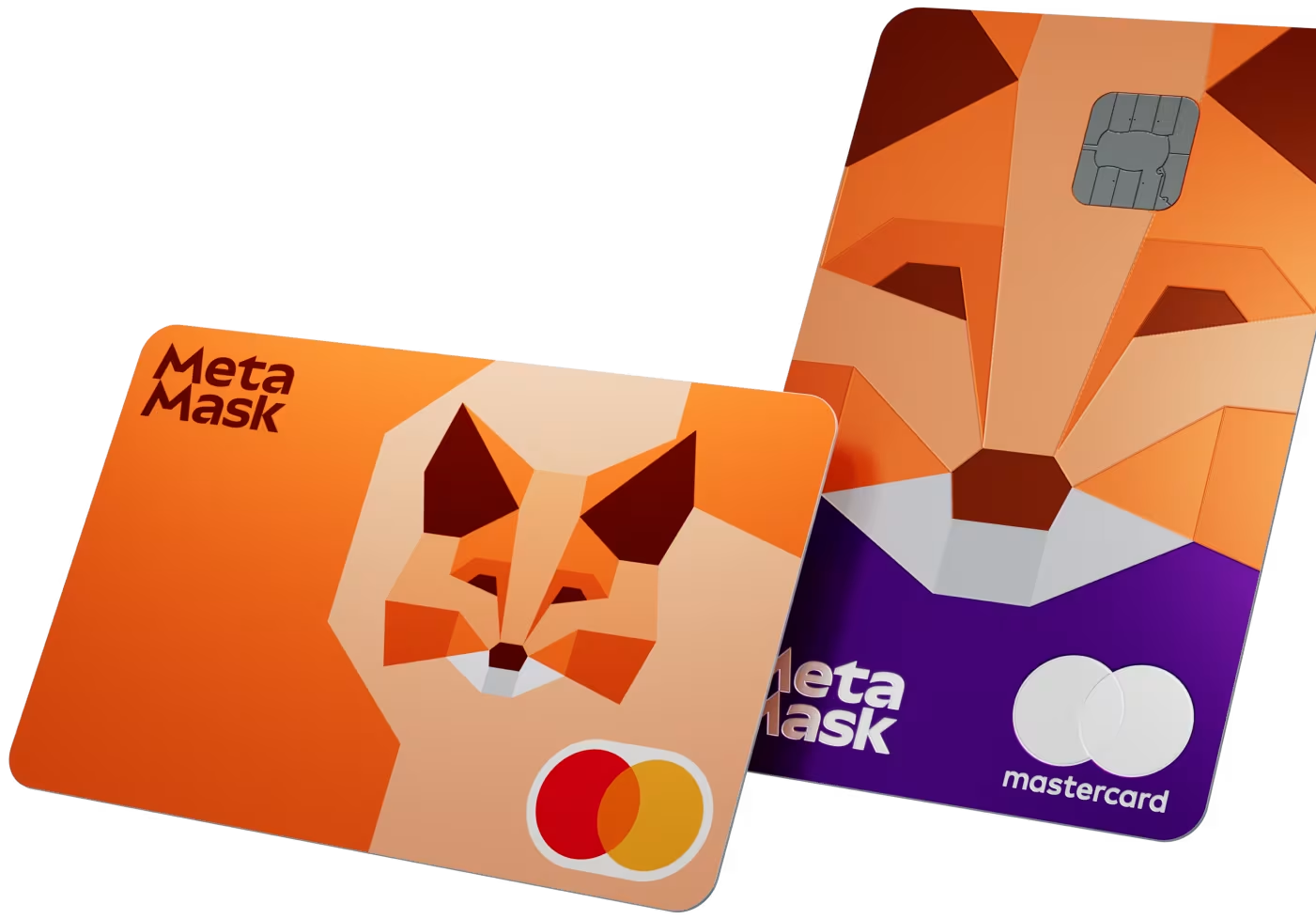
Instant spending directly from your crypto wallet, anywhere Mastercard is accepted. Choose premium Metal* with 3% mUSD back and no foreign fees, or go Virtual today with 1% mUSD back.
METAMASK CARD BENEFITS
Tap to pay with mUSD, wETH, EURe, GBPe, USDC, and USDT via Apple Pay or Google Pay.
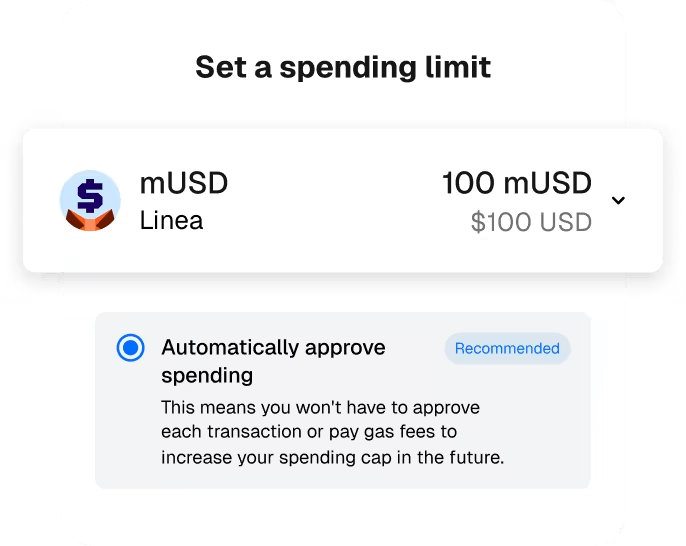
Go bankless and maintain custody of tokens until you pay.
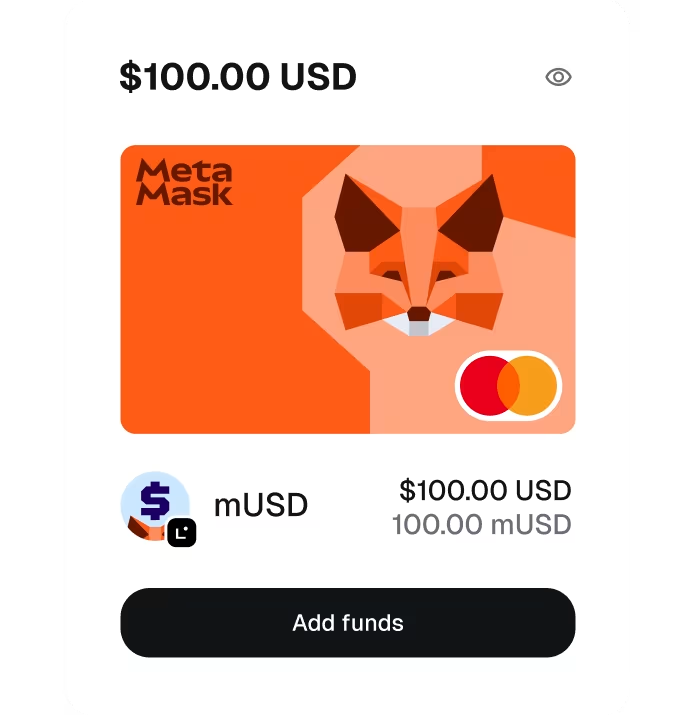
Easily deposit and manage your card funds directly on the MetaMask mobile app.
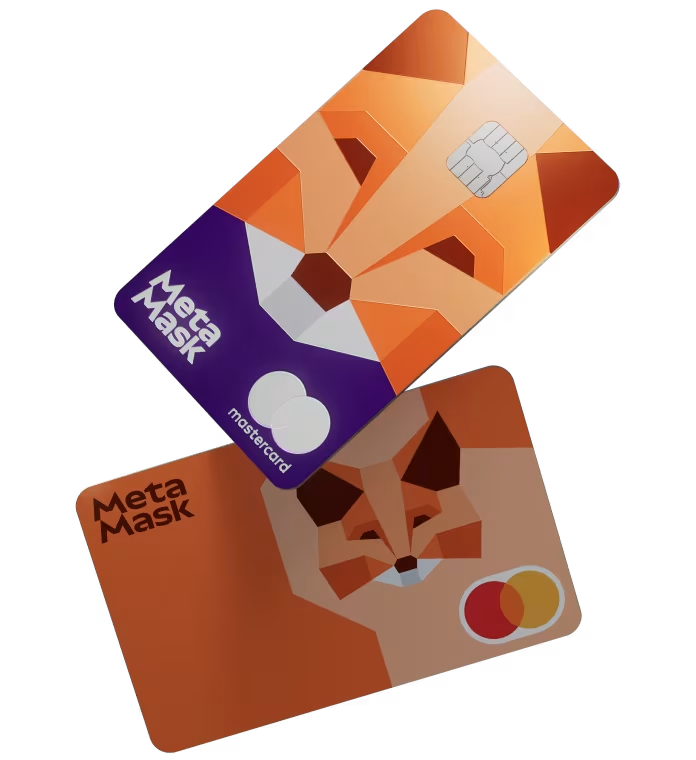
Get mUSD back from every purchase, and unlock exclusive benefits from our global partner network.
METAMASK CARD BENEFITS

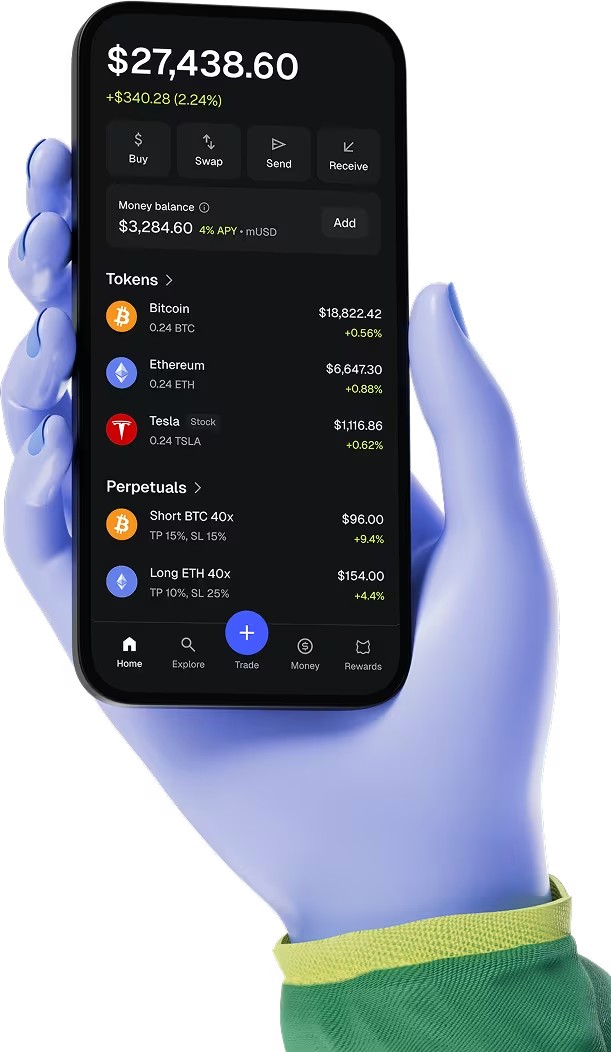
CHOOSE YOUR CARD
Get a free digital only Virtual card or go Metal for exclusive perks.
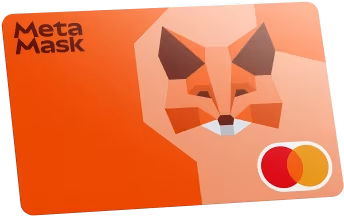
A free digital only card with 1% mUSD back.
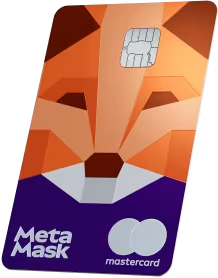
A premium physical card with 3% mUSD back and no foreign fees.
SIMPLE ON PURPOSE
A focused MetaMask Card flow keeps every decision clear—from wallet connection to card choice and review.
HOW IT WORKS
Launch the authorized wallet connector from one clear integration point.
Pick the virtual or metal format that fits the way you move.
Add the required details, check everything once, and hand off safely.
THE USEFUL DETAILS
MetaMask Card lets you spend directly from your crypto wallet and offers Virtual and Metal options. This static build preserves a safe integration point for the authorized wallet and order services.
The Virtual Card requires only an email during the order step. The Metal Card also requires shipping information so it can be delivered.
No external request is made. Until an authorized backend is integrated, order details remain only in the open browser session.
The Connect Wallet button exposes a safe integration hook. No seed phrase, private key signature is included.
Yes. Your card choice and form entries are preserved while the setup screen remains open.
YOUR METAMASK CARD STARTS HERE